
Typography Options
Salient Features
Secondary Typography Settings
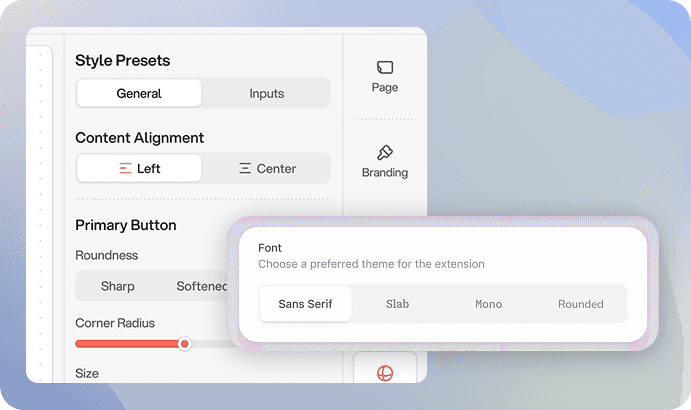
Access a vast library of Google Fonts to enhance your website's typography. Choose from hundreds of font styles to create a unique and visually appealing design.
Font Weight Settings
Take full control of the visual impact of your real estate website's text with our font weight settings in all areas. Adjust the thickness of the fonts to achieve the desired level of emphasis and hierarchy.

Base Typography Settings
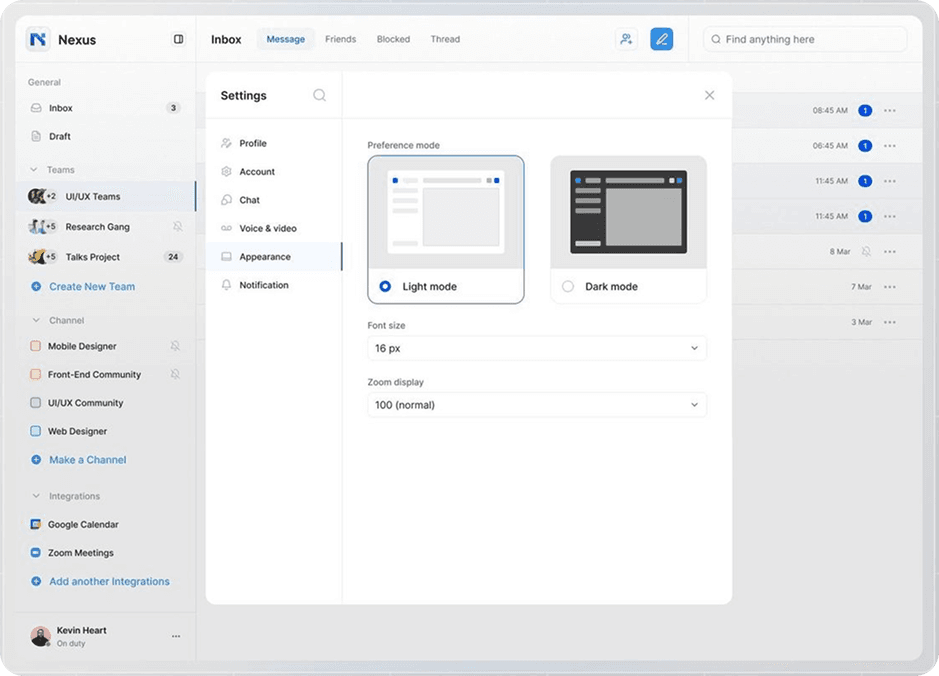
Customize the way your real estate website looks and feels with our intuitive typography settings. Easily adjust fonts and their weight to create a visually appealing and easy-to-read layout.
Headings Typography Settings
Make your real estate listings and sections stand out with our customizable headings typography settings. Tailor the font weight and styling of your headings to capture attention and guide visitors through your content effortlessly.
Customizer Settings
Frequently Asked Questions
Demo Import
Why is Webflow the best nocode tool?
How to launch a Webflow website?
When did Webflow was founded?
Who founded BRIX Templates?
Is NoCode the future of the web?
Who are the Webflow founders?
Subscribe to our newsletter
Product updates, new themes and developer-feed additions — plus practical guidance for UAE brokerages. No spam, unsubscribe any time.